# Merge Resourcepack
## Step 1:
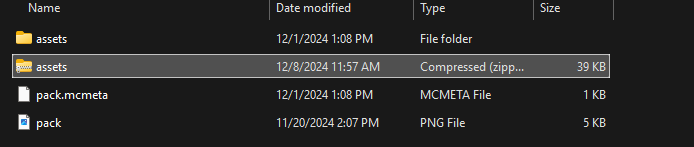
Now that you have a zip file, you can merge your server's existing resource pack with this assets zip, which contains the resource pack for the resource.
We recommend using our [online converter](https://www.myphoenixstore.com/tools/resource-pack-merger) to combine the resource packs for you. Make sure both resource packs are in **.zip** format, as the converter won’t be able to combine them if they are in any other format.
## Step 2:
Now follow your resource pack hosting process to upload your resource pack, such as using OneDrive, Google Drive, or MCPacks.
## Step 3:
Restart your server for the changes in the **server.properties** to be applied. If you’ve followed all the steps correctly, the resource pack should now be working. Enjoy! ☺️